

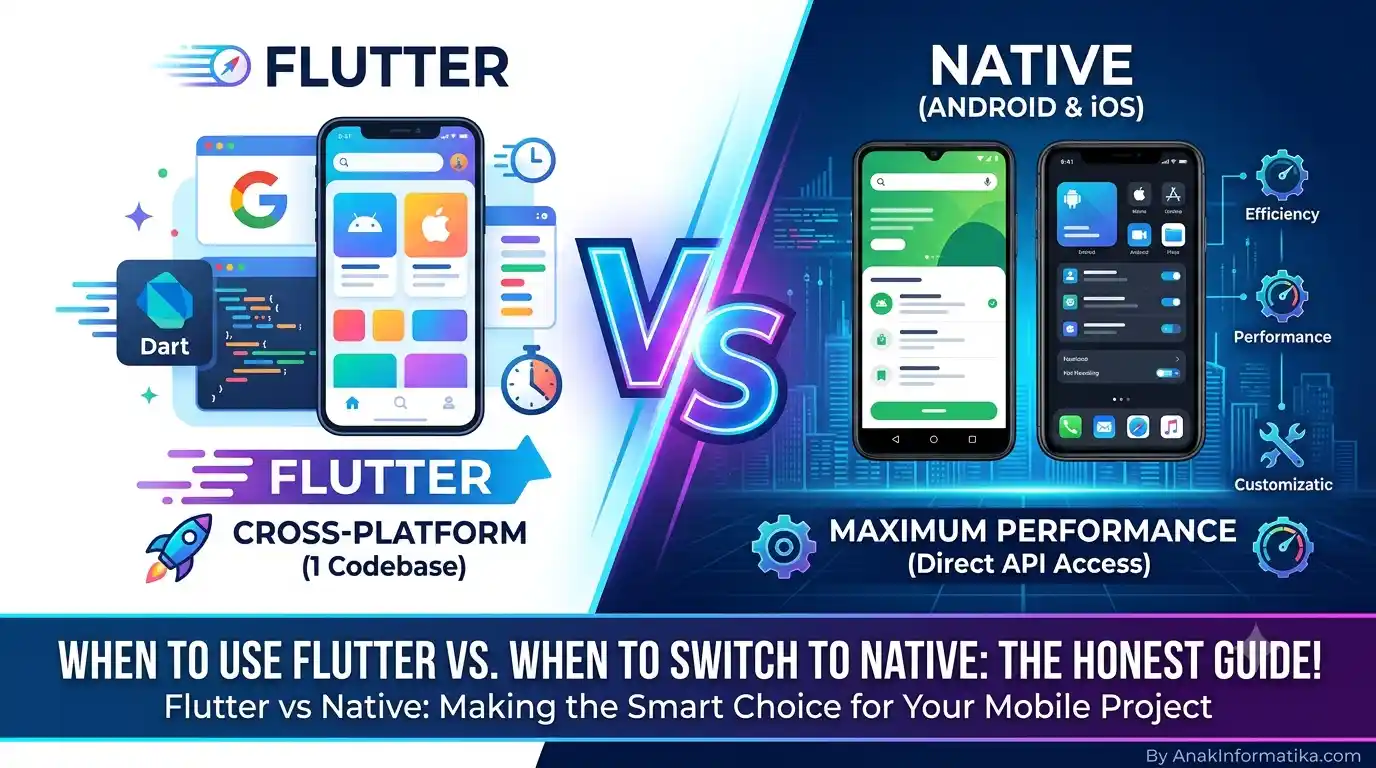
Hey there, fellow developers! Have you ever found yourself at a career crossroads as a mobile developer? On one hand, there's Flutter, promising rapid development and a single codebase. On the other, native Android and iOS development offers maximum performance and full access to device features. So, the crucial question that often arises is: When to Use Flutter and When to Switch to Native? This Honest Guide will thoroughly discuss it today!
The world of mobile app development is incredibly dynamic. Every year, new trends and technologies emerge, requiring us to continuously learn and adapt. Flutter, as one of the cross-platform frameworks backed by Google, has revolutionized how many developers build applications. But does that mean native development is no longer relevant? Certainly not!
This article will guide you in understanding when Flutter is the best choice, and when you should seriously consider "switching" or transitioning to native development. Let's break it down one by one so you can make an informed decision for your next project!
Berikut adalah terjemahan bahasa Inggris dari artikel tersebut, dengan gaya penulisan yang tetap santai, komunikatif, dan kasual khas blog teknologi:
When Should You Use Flutter and When Should You Switch to Native? Here is the Honest Guide!
Hello, AnakInformatika! Have you ever felt lost at a career crossroads as a mobile developer? On one hand, Flutter promises rapid development and a single codebase. On the other hand, native Android and iOS development offer maximum performance and full access to device features.
So, the crucial question that often arises is: When Should You Use Flutter and When Should You Switch to Native? Here is the honest guide that we will break down completely this time!
The world of mobile app development is indeed very dynamic. Every year, new trends and technologies emerge, forcing us to keep learning and adapting. Flutter, as a cross-platform framework backed by Google, has revolutionized the way many developers build applications. But does that mean native development is no longer relevant? Of course not!
This article will guide you to understand when Flutter is the best choice, and when you should seriously consider "switching" or transitioning to native development. Let’s break it down one by one so you can make a smart decision for your next project!
Understanding Flutter: The Charming Newcomer
Flutter is a UI toolkit developed by Google for building cross-platform applications—meaning one codebase for multiple platforms. With Flutter, you can create apps for Android, iOS, web, and desktop all from the same codebase. The programming language used is Dart, which is modern and efficient.
Many developers fall in love with Flutter because of its speed. Features like Hot Reload and Hot Restart make the development process incredibly enjoyable. You can see UI changes in seconds without time-consuming recompilations.
ℹ️ Did You Know?
Flutter does not use native UI components. Instead, it renders every pixel of its UI on its own using the Skia rendering engine (also used in Google Chrome and Android). This is what makes Flutter’s UI remarkably consistent across platforms and offers incredible customization capabilities!
Pros of Flutter: Why Do So Many Love It?
-
Fast Development Time: With a single codebase and the Hot Reload feature, the development process becomes much more efficient. Ideal for MVPs (Minimum Viable Products) or apps that need a fast release.
-
Beautiful and Consistent UI: Because Flutter draws its own UI, you get a highly consistent look across Android and iOS without extra effort. UI customization is also extremely flexible.
-
Near-Native Performance: Despite being cross-platform, Flutter compiles directly to ARM machine code, making its performance often very close to native apps.
-
Fast-Growing Community: Backed by Google and an active community, learning resources and Flutter packages/plugins are abundant.
-
Cost-Efficient: With one development team capable of targeting two platforms simultaneously, development costs can be reduced significantly.
Cons of Flutter: The Other Side You Need to Know
-
Larger App Size: Flutter apps tend to have slightly larger bundle sizes compared to native apps because they must include the rendering engine and Dart framework.
-
Dependence on Plugins: To access specific native features (e.g., advanced sensors, the latest OS features), you often have to rely on plugins. If the plugin you need doesn't exist or isn't maintained, you have to write custom platform channels, which requires some knowledge of native code.
-
Dart Learning Curve: For developers unfamiliar with Dart, there is a learning curve. However, Dart itself is relatively easy to learn, especially if you already have an Object-Oriented Programming (OOP) background.
-
Not Yet Optimal for All Scenarios: For highly complex apps requiring extreme graphical performance (like heavy 3D games) or deep integration with the OS, Flutter might require extra effort or even be less than ideal.
Getting to Know Native Development: The Reigning Champion
Native development is the traditional way of building mobile apps, using languages and tools specific to each platform. For Android, we use Kotlin or Java with the Android SDK. For iOS, we use Swift or Objective-C with the iOS SDK. This means building two separate applications for two platforms.
ℹ️ Did You Know?
Native development provides direct and full access to the operating system's APIs (Application Programming Interfaces). This means you can utilize every new feature released by Apple or Google immediately without waiting for third-party implementations, and with maximum performance.
Pros of Native Development: Why Is It Still the Top Choice?
-
Maximum Performance: Native apps always offer the best and fastest performance because they are built directly for the specific platform. There are no additional abstraction layers to slow things down.
-
Full Access to OS Features: You get immediate access to all the latest APIs and OS features as soon as they are released. This is crucial for apps heavily reliant on specific OS features (e.g., ARKit on iOS, or the latest camera features on Android).
-
Best Ecosystem Integration: Native apps integrate best with the platform ecosystem, including widgets, notifications, Siri/Google Assistant, and accessibility features.
-
Smaller App Size: Because they don't need to include extra frameworks or rendering engines, native app sizes tend to be smaller.
-
Long-Term Stability: Native development is considered more stable in the long run as it doesn't depend on third-party cross-platform framework support.
Cons of Native Development: Challenges to Face
-
Longer Development Time: You have to build two separate applications, which effectively doubles the development time and effort.
-
Higher Costs: Requires two developer teams (one for Android, one for iOS) or developers who master both platforms, leading to higher development and maintenance costs.
-
UI/UX Consistency: Maintaining UI/UX consistency between Android and iOS can be challenging since each platform has different design guidelines (Material Design vs. Human Interface Guidelines) and UI components.
-
Steeper Learning Curve: You need to master two languages (Kotlin/Java and Swift/Objective-C) and two distinct development ecosystems.
Comparison Table: Flutter vs. Native
To help you visualize the differences and make a decision more easily, here is a comparison summary between Flutter and Native:
| Aspect | Flutter | Native (Android & iOS) |
| Programming Language | Dart | Kotlin/Java (Android), Swift/Objective-C (iOS) |
| Performance | Excellent, near-native. | Optimal, peak performance. |
| Development Time | Fast (single codebase, Hot Reload). | Longer (two separate codebases). |
| Development Cost | More cost-effective (one team/developer). | More expensive (two teams/developers). |
| Native Feature Access | Via plugins or platform channels. | Direct & full access to all APIs. |
| App Size | Tends to be larger. | Tends to be smaller. |
| UI/UX | Consistent across platforms, highly customizable. | Follows platform design guidelines, can differ per OS. |
| Long-Term Stability | Good, but dependent on framework support. | Extremely stable, fast adaptation to OS changes. |
When Should You Use Flutter? (Ideal Scenarios)
After understanding the pros and cons of each, we can now clearly determine when Flutter is your best bet:
-
Startups & MVPs: If you want to launch a product as quickly as possible on a limited budget to test an idea in the market, Flutter is the winner. You can build a functional app for two platforms in no time.
-
Apps with Unique Custom UIs: If your app requires a highly specific, unique UI that doesn't follow standard Android/iOS guidelines, Flutter is your best canvas. High customizability lets you realize even the most ambitious designs.
-
Small Teams or Solo Developers: With Flutter, a single developer or small team can handle a multi-platform project without needing expertise in two native platforms. This boosts productivity significantly.
-
Business or Internal Apps: For apps used in internal business environments, management apps, or standard e-commerce apps, Flutter is a great fit because it focuses on development speed and consistency.
-
Projects with Limited Budgets: Given its time and resource efficiency, Flutter can be a very budget-friendly solution.
When Should You Switch to Native? (Or Start with Native?)
There are times when, despite how attractive Flutter is, native development remains the wiser choice. Here are those scenarios:
-
Apps Needing Peak Performance & Extreme Graphics: For heavy 3D games, complex Augmented Reality (AR) or Virtual Reality (VR) apps, professional video editors, or apps requiring massive real-time data processing, optimal native performance is mandatory.
-
Heavy Reliance on Specific OS Features: If your app relies heavily on the latest, exclusive hardware or API features from Android or iOS (e.g., advanced camera sensors, deep integration with biometric security systems, or specific NFC features), native development gives you full control and the fastest implementation.
-
Deep Ecosystem Integration: Apps requiring custom home screen widgets, highly interactive complex notifications, deep voice assistant integration (Siri/Google Assistant), or highly efficient background processing are better developed natively.
-
App Size is Critical: For markets with limited internet connectivity or devices with low storage capacity, a smaller app size can be a decisive factor. Native generally yields smaller app sizes.
-
When an Expert Native Team is Available: If you already have a team of developers who are highly skilled and experienced in native Android and iOS development, there might not be a strong reason to switch to Flutter, unless speed of development is an urgent priority.
-
Long-Term Projects Requiring Maximum Stability: For enterprise-scale applications intended to last for years that require rapid adaptation to OS updates without relying on third-party framework updates, native offers higher control and stability.
Conclusion: Choose What Fits Best for Your Project!
Now you have an honest overview of When to Use Flutter and When to Switch to Native. There is no "one-size-fits-all" answer in the app development world. The best decision always depends on your project's specific needs, business goals, budget, available time, and team expertise.
Flutter is a fantastic tool for rapid development, beautiful UIs, and cost efficiency. Meanwhile, native development guarantees performance, full feature access, and deep integration with the platform ecosystem. Choose wisely, and don't hesitate to adapt if your project needs shift along the way.
So, in your opinion, what kind of project is best suited for Flutter, and when does Native become the top choice? Feel free to share your thoughts and experiences in the comments section below!